My command line LLM setup

an image where llm and ai operates in a bash terminal on linux? AI generated.
I came across a comment on Hacker News on how someone had set up and used LLMs on the command line in Linux, for free. I wanted to test this, as it was not very much setup needed. It works very well and I have a few models installed right now.
Here is how I did it:
Install software needed
pip install llm
llm install llm-openrouter
sudo apt/dnf install glow (Ubuntu/Fedora)
Obtain OpenRouter key
Get a key from https://openrouter.ai/keys and set it with
llm keys set openrouter
List free models to use
llm models list|grep free
Add functions to ~/.bashrc
function lm-gemini {
  local input="$*"
  llm -m openrouter/google/gemini-2.0-flash-lite-preview-02-05:free -s 'Answer as short and concise as possible.' "$input" | glow
}

function lm-deepseek {
  local input="$*"
  llm -m openrouter/deepseek/deepseek-r1:free -s 'Answer as short and concise as possible.' "$input" | glow
}

function lm-llama {
  local input="$*"
  llm -m openrouter/meta-llama/llama-3.3-70b-instruct:free -s 'Answer as short and concise as possible.' "$input" | glow
}

function lm-chat {
  llm chat -m openrouter/google/gemini-2.0-flash-lite-preview-02-05:free
}
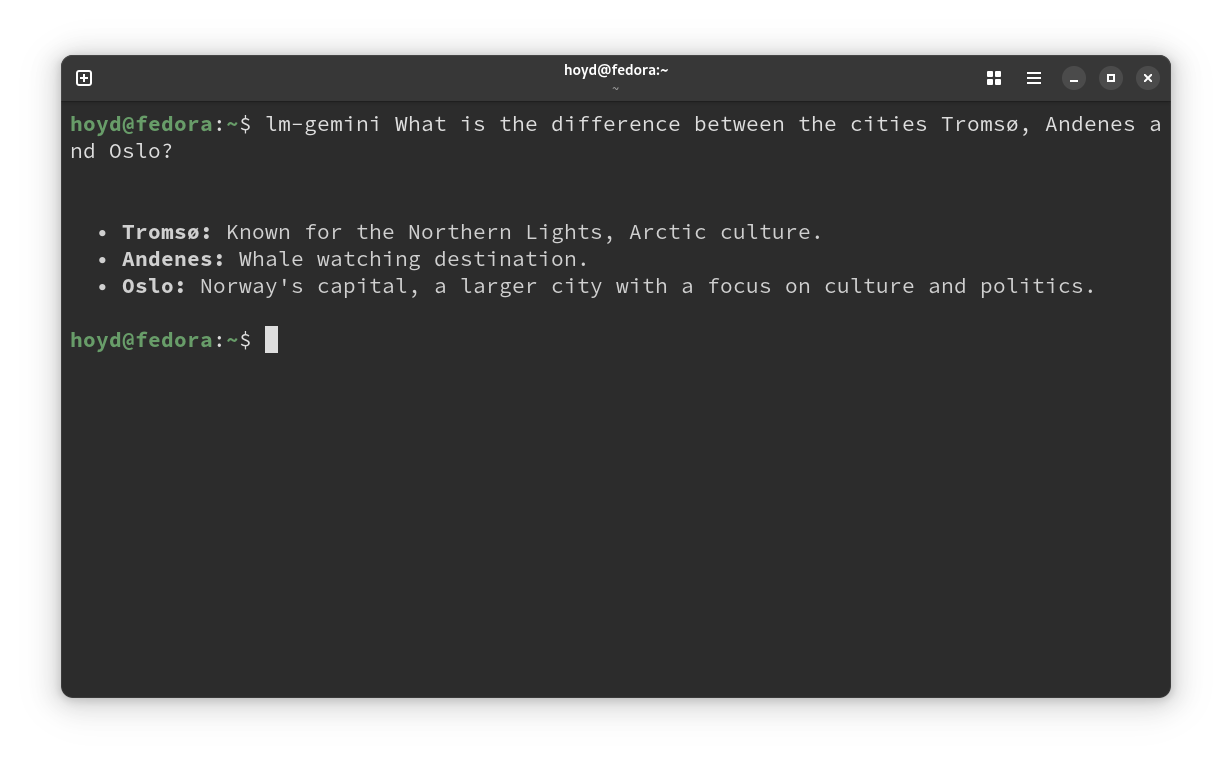
Test the setup
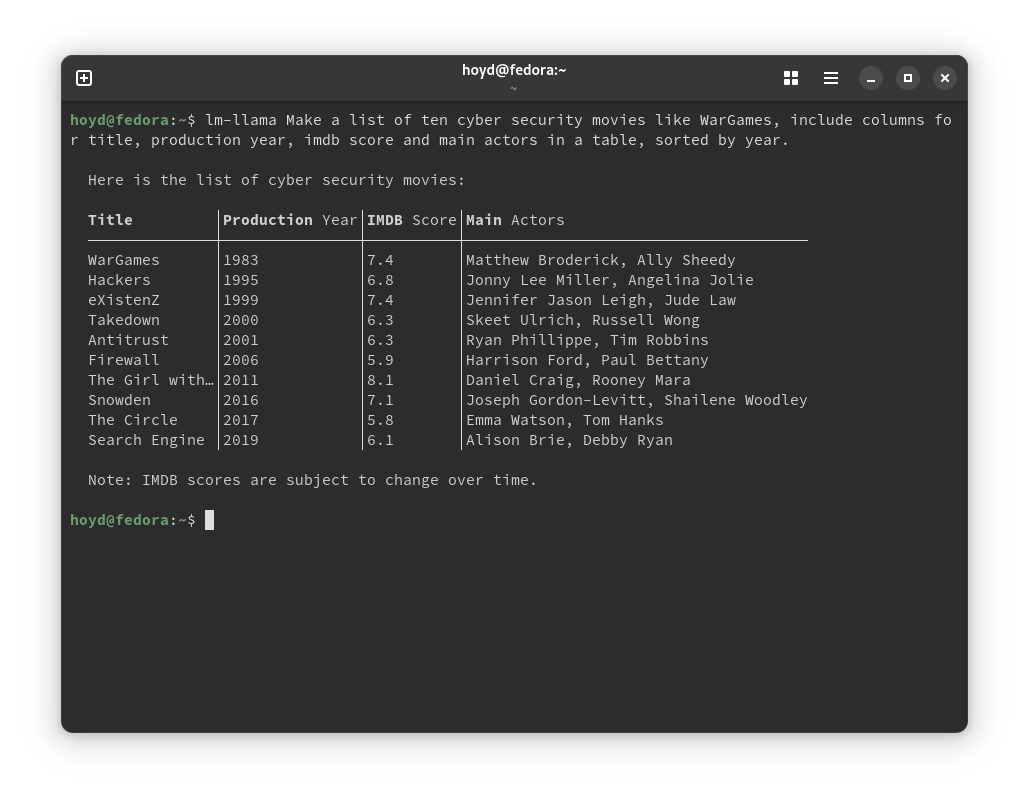
$lm-llama Make a list of ten cyber security movies, include columns for title, production year, imdb score and main actors in a table, sorted by year.
Sources:
Thanks to kristopolous on HN for the tip on openrouter to begin with.